Scan
Discover supported local tools without changing your UpdateBar state.
 UpdateBar
Trusted updates, one place.
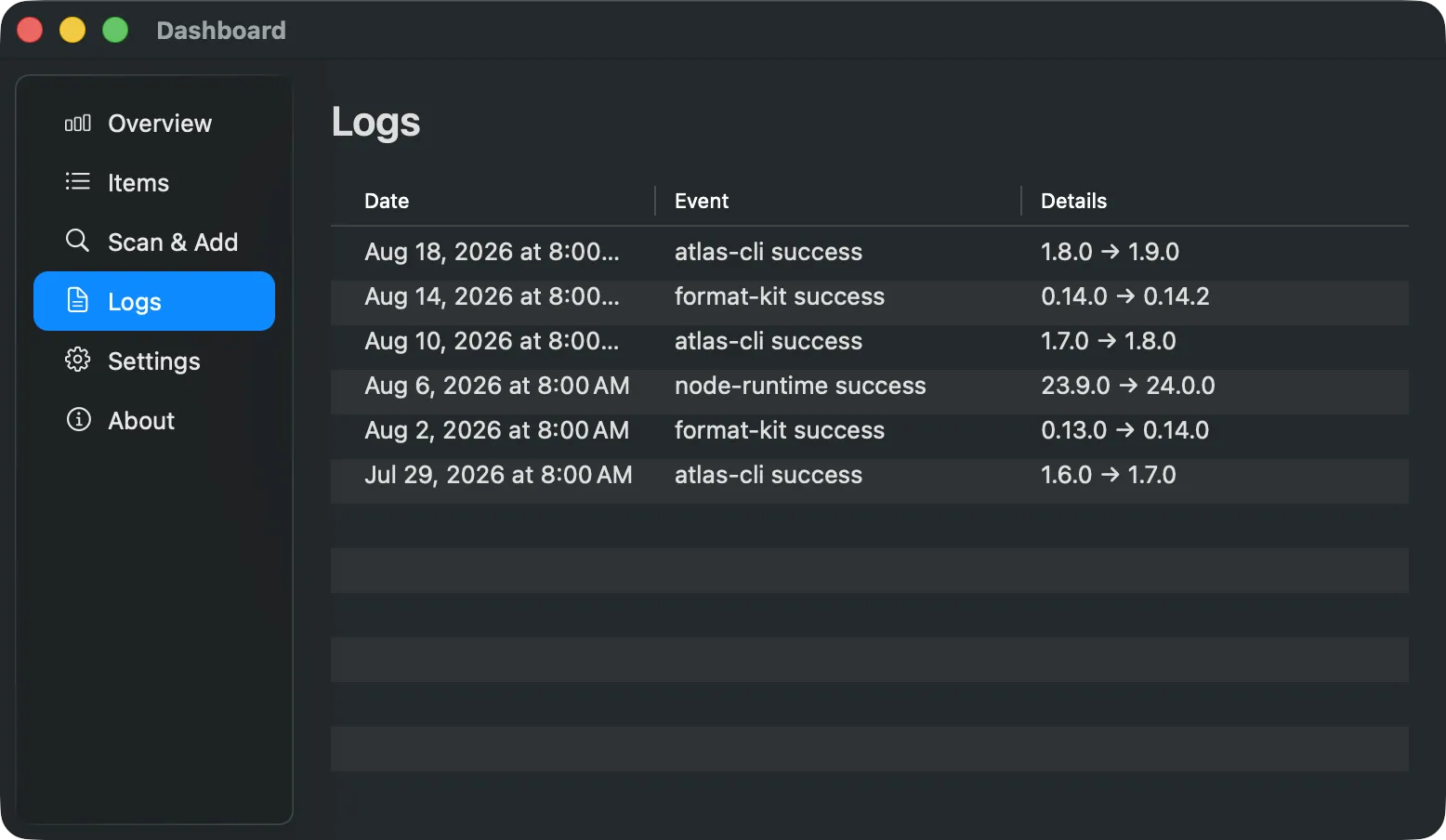
See what is ready to update in one native macOS dashboard. Choose a few tools or update all, review commands that need approval, and follow every result. The menu bar and CLI share the same local registry.
Get it running
Install the signed macOS app and bundled CLI with Homebrew. No account or telemetry.
Choose the native app or the deterministic command line. Both keep the same approval boundary.
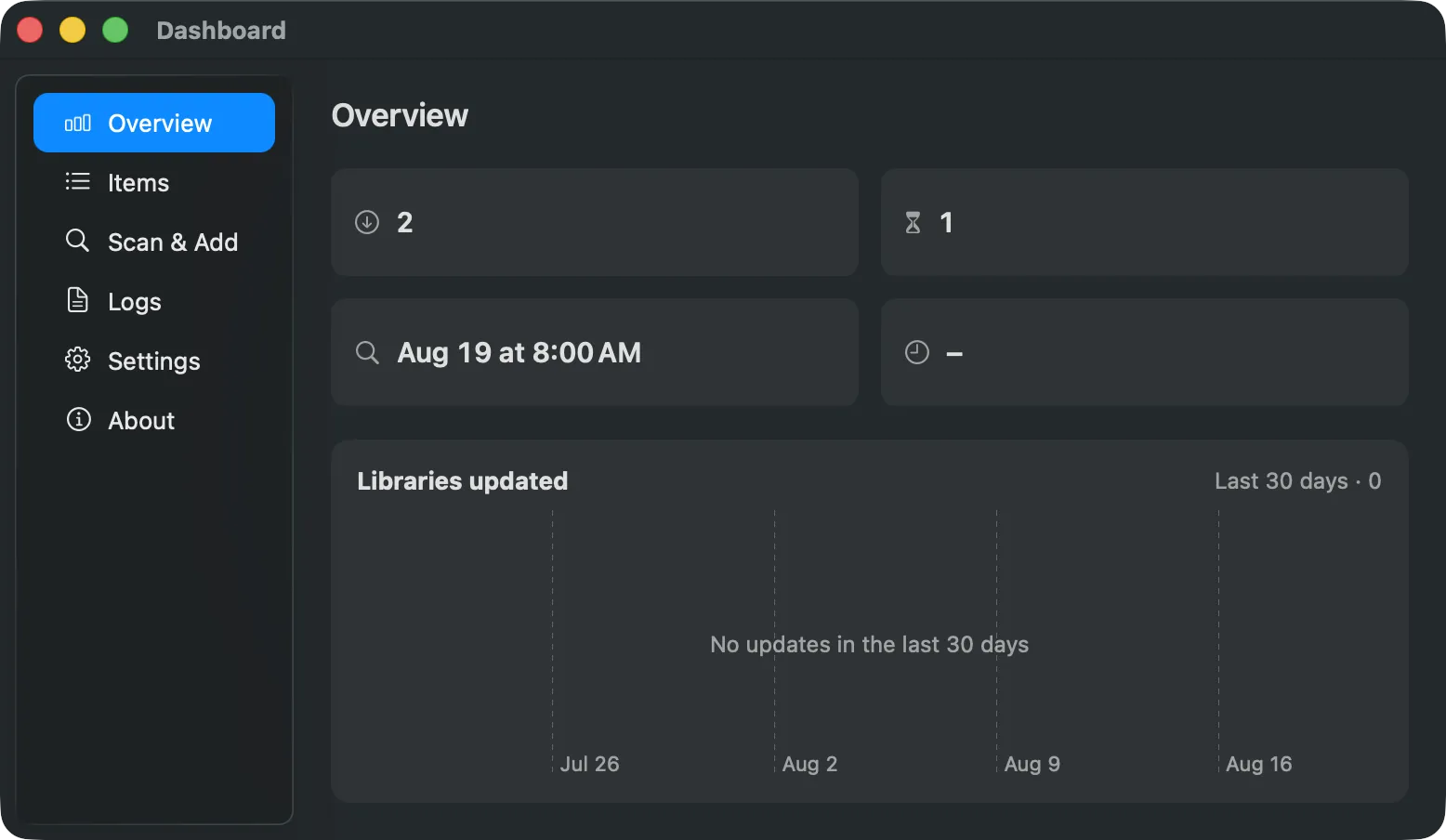
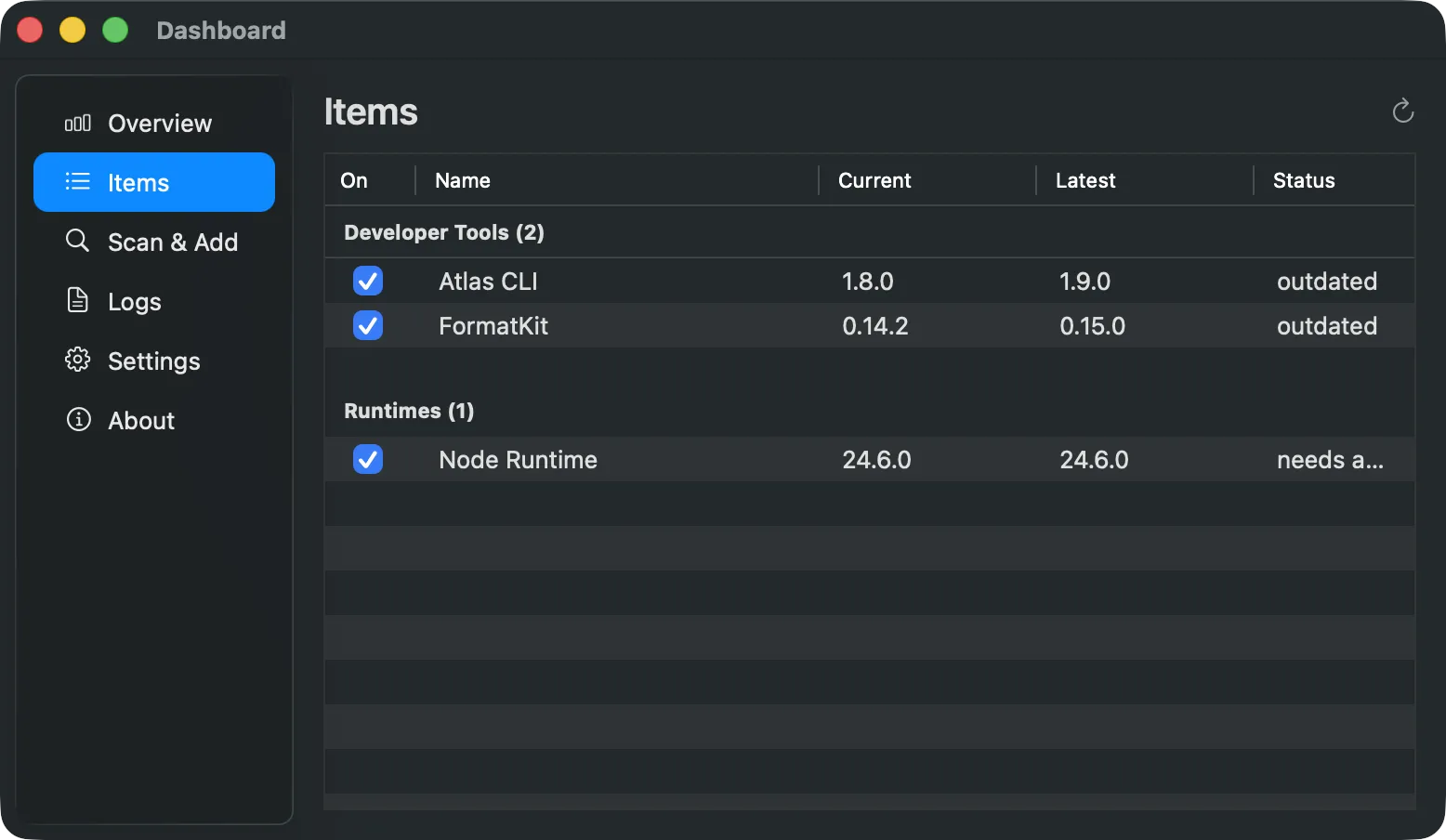
See tools grouped by readiness, select what to update, and review exact command access in a native Dashboard.
Explore UpdateBar for macOS CLI and agentsValidate recipe data and use stable JSON or JSONL without handing approval to an agent.
Explore the CLI workflowThe flow
Discover supported local tools without changing your UpdateBar state.
Compare versions and approve exact command fields only when required.
Choose ready tools, update all eligible tools, or update visible search results from Items.
Built around trust
UpdateBar stays deterministic: it shows state, gates commands, and records outcomes.
One registry
Homebrew, npm, GitHub releases, files, and custom recipes share one clear status model.
Explicit trust
Imported and discovered command fields stay gated, and edits invalidate their fingerprints.
Native where it matters
Open Items from the menu bar. Ready, review, attention, current, and paused groups show what needs your next action.
CLI when you need it
Stable JSON and JSONL contracts work from terminals, scripts, and external agents.
UpdateBar runs a command only while its exact fingerprint is approved. Approved commands are not sandboxed and still run with your user privileges.
Yes. Select cards in Ready to update and choose Update selected. With no selection, Update all runs eligible tools. A search changes the action to Update visible and clears the previous selection.
It tracks Homebrew, npm, GitHub releases, files, and custom recipes that you add to its local registry.
No. Update commands run only after their exact command fingerprints have been explicitly approved.
No. Approved commands run with your user privileges, an allowlisted environment, and time and output limits.
No telemetry is collected by the UpdateBar app or CLI. These websites use cookie-free Cloudflare Web Analytics to understand visits and referring sites. Read about website privacy.
Yes. The bundled CLI provides human output plus stable JSON and JSONL interfaces for scripts and external agents.