Scan
Discover supported tools without changing your UpdateBar registry.
 UpdateBar
UpdateBar for macOS
See tools grouped by readiness. Select the ones you want, update every eligible tool, and follow progress without leaving the native dashboard.
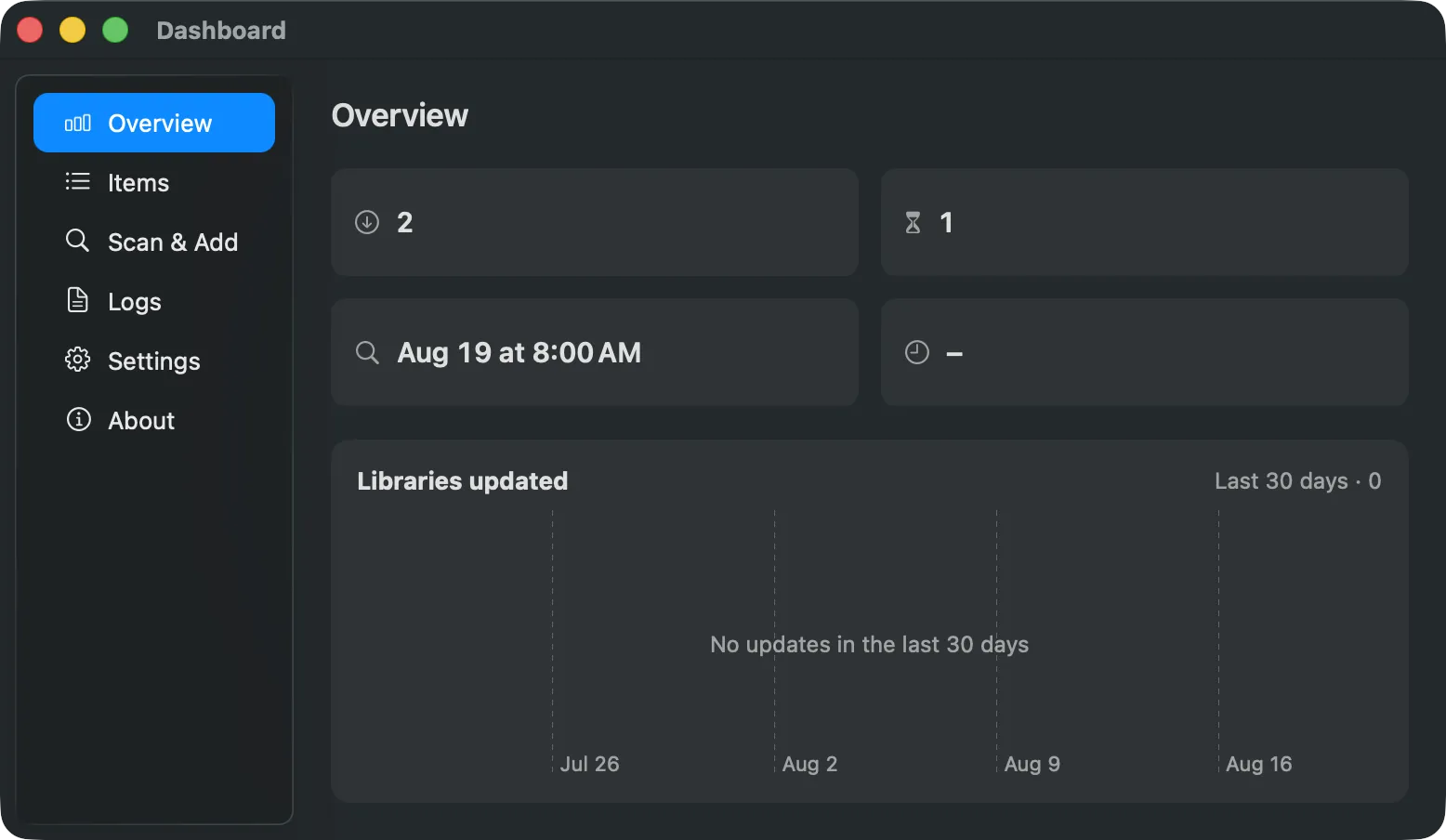
Discover supported tools without changing your UpdateBar registry.
Compare versions and inspect exact command fields before approval.
Update selected tools, all eligible tools, or visible search results from Items.
UpdateBar puts discovery, approval, progress, and history in one native surface without hiding what runs.
Organize
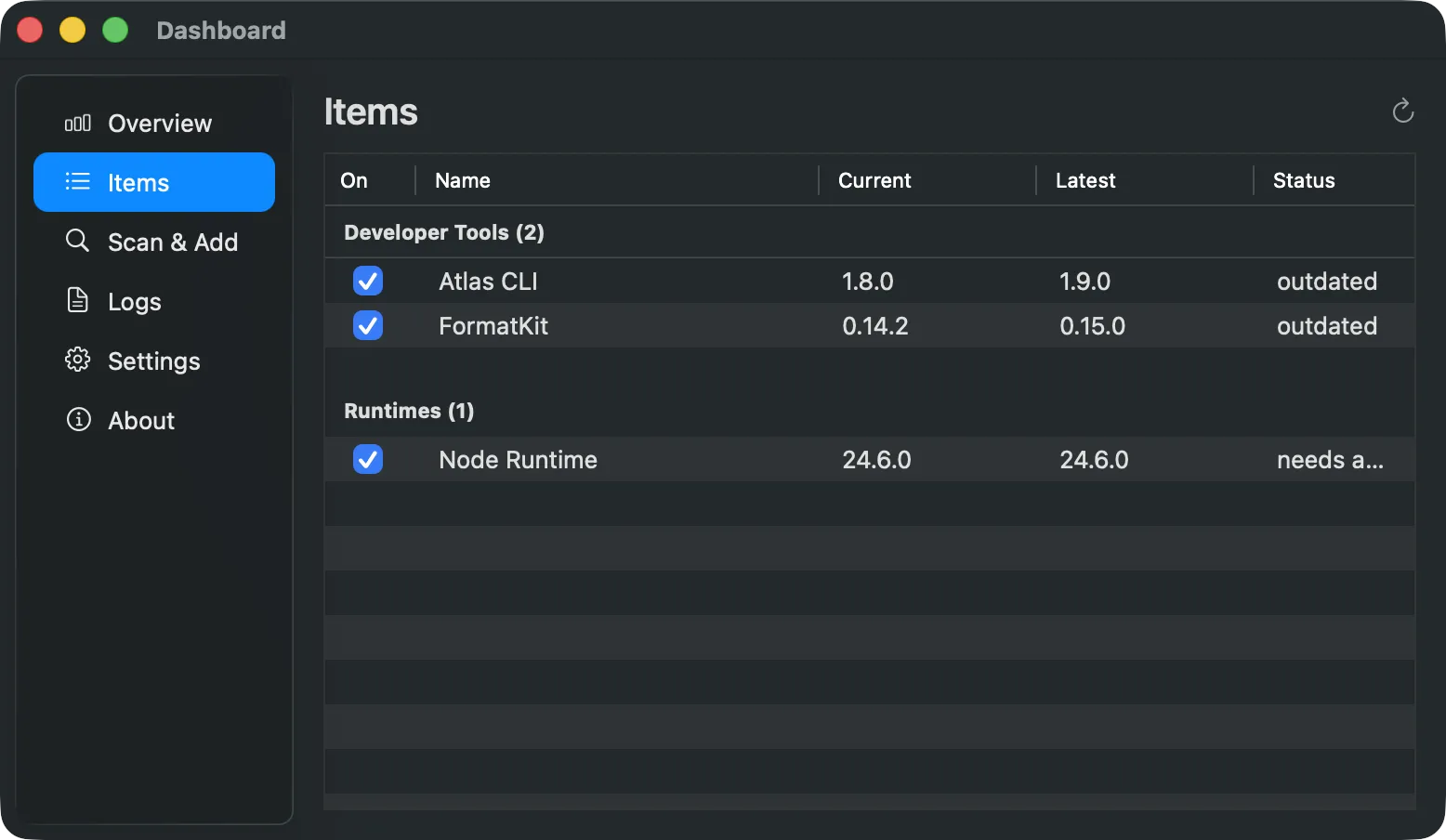
Items groups tools into Ready to update, Needs review, Needs attention, Up to date, and Paused. Update-ready tools stay easy to find while current and paused tools can stay collapsed.
Choose
Select ready cards for Update selected. Search narrows the action to Update visible and clears the previous selection. Tools that need command approval remain in Needs review until you approve them.
Update
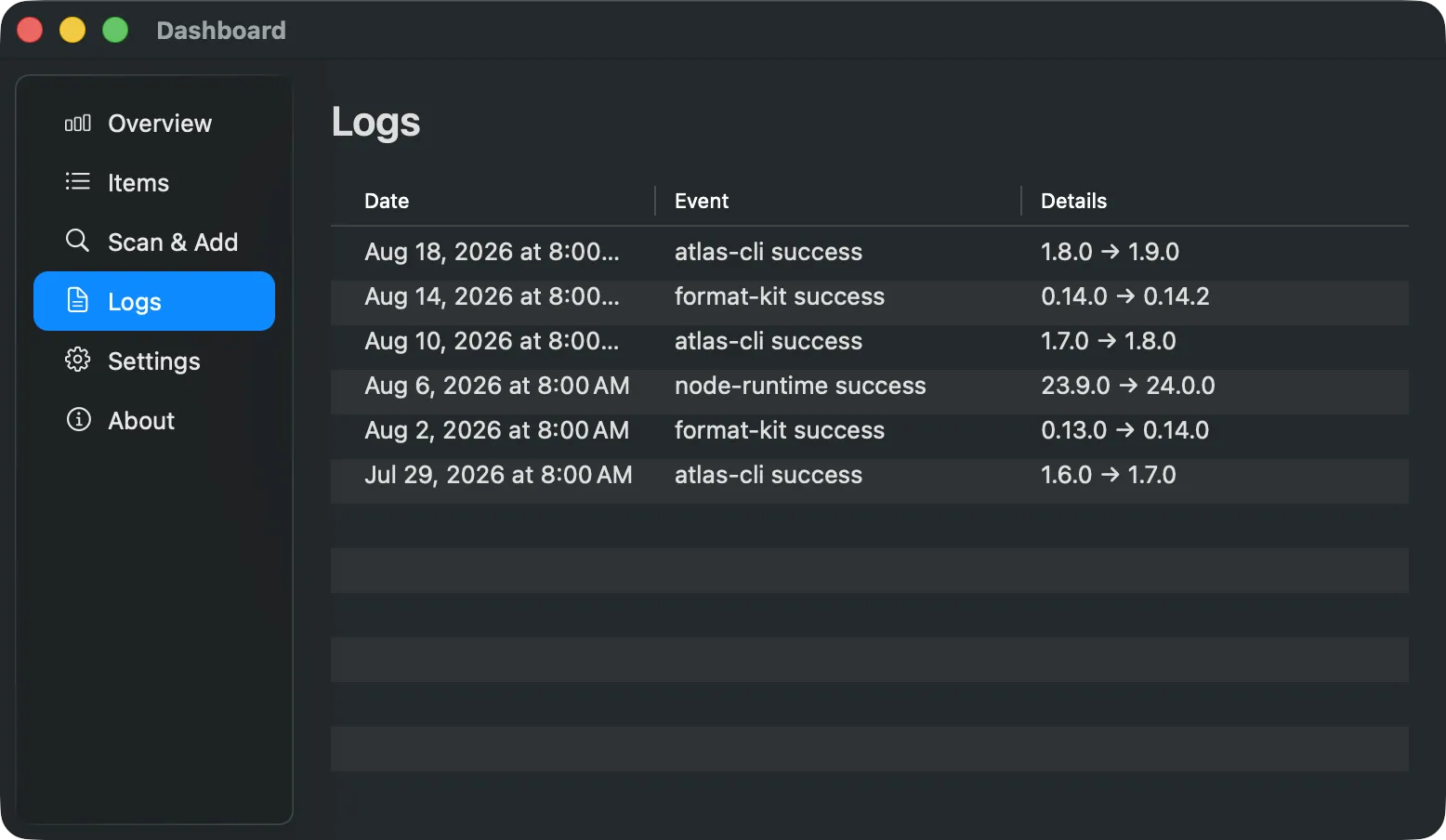
See queued, running, and finished updates. Stop after the current work finishes or retry failed items without rerunning the whole batch. Recorded outcomes remain available in Logs.
Imported and discovered command fields stay gated by exact fingerprints. Approved commands are not sandboxed and still run with your user privileges.
updatebar CLINo. Update commands require exact approval and an explicit update action.
Yes. The cask installs the app and links its bundled CLI onto your Homebrew path.
Yes. Uninstalling the cask does not automatically remove your local registry and logs.
Use the signed Homebrew cask for the normal macOS setup.
brew install --cask sonim1/tap/updatebar-app
Paste this prompt into a coding agent with terminal access.
Install UpdateBar on this machine using the official instructions:
https://raw.githubusercontent.com/sonim1/UpdateBar/main/docs/install.md

Check the OS, architecture, and existing installation first. On supported Macs, prefer the app with its bundled CLI; use the CLI-only path on Linux. If this machine is unsupported, explain the options before proceeding.

Preserve existing configuration. Verify installation with updatebar --version and updatebar doctor. Report the results and any steps that still need my input. Do not approve recipes or update tracked tools.